Cybersecurity services in Toronto
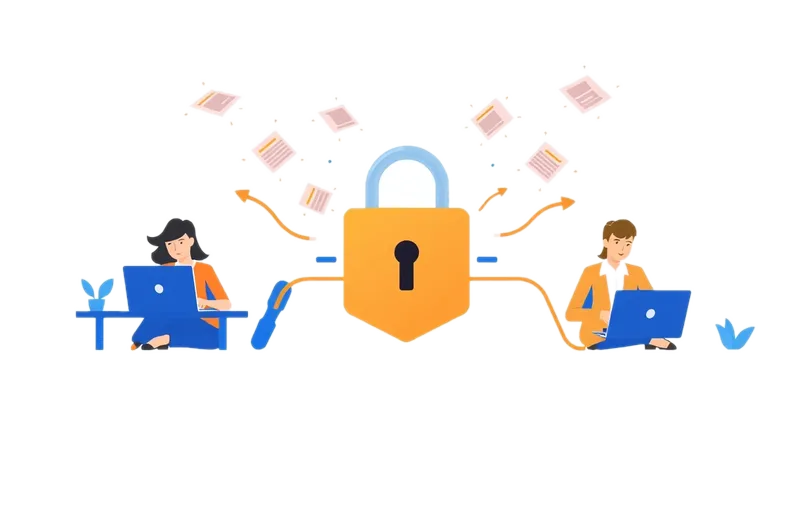
Cybersecurity for small to mid-sized businesses
Protect your business, your data and your customers
Cyber attacks are not only a problem for large corporations. Small and mid-sized businesses hold customer records, financial information and email accounts that criminals want, often with fewer protections in place. One stolen password or infected computer can stop work for days and lead to costly recovery.
North IT Systems helps Toronto and GTA businesses reduce these risks with practical security measures that fit the way they work. We look at your whole setup, from devices and network to accounts, backups and staff habits, and fix the weakest points first.
What's included
Cybersecurity services for your business
Security works in layers. These are the protections we put in place and look after for our clients.
Security assessment
A review of your computers, network, accounts and backups to find weaknesses, with a clear list of what to fix first.
Firewall and network protection
Firewall setup and management, secure Wi-Fi and separate networks for guests and staff.
Device protection
Antivirus and threat protection on every computer, with operating systems and software kept up to date.
Email and account security
Multi-factor authentication, strong password practices and filtering that blocks many phishing and spam messages.
Backup and recovery
Regular, tested backups so you can restore files and systems after hardware failure, mistakes or ransomware.
Staff awareness
Simple training that helps employees spot suspicious emails, links and requests before they click.
Industries we serve
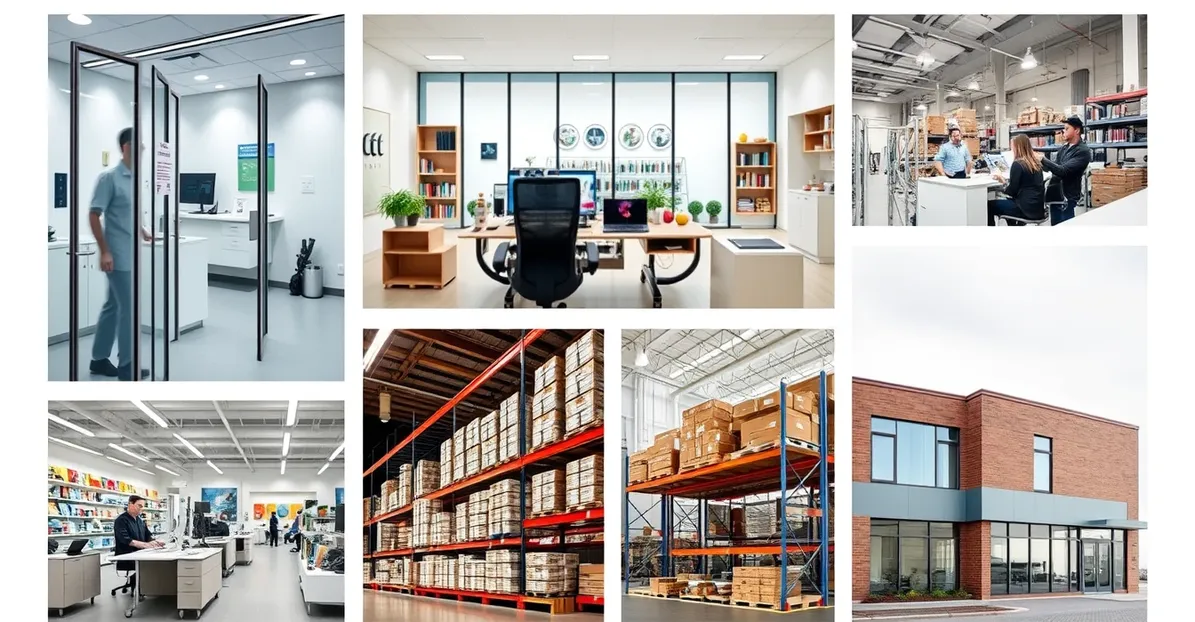
Our cybersecurity services are built for small to mid-sized businesses across the GTA: offices, clinics, retail stores, warehouses and other workplaces that rely on computers, email and stored data every day. If your business keeps customer information, takes payments or simply cannot afford to stop working, security deserves attention.
How it works
How a cybersecurity assessment works
A security assessment shows you where you stand today and what to do next.
Discovery
We learn how your business works: who uses which systems, where your data is stored and what concerns you most.
Review
We check devices, network equipment, accounts, permissions, backups and email settings for gaps and outdated software.
Report
You receive a plain-language summary of the risks we found, ranked by how much they matter to your business.
Fix and maintain
We help put the fixes in place and keep protections up to date as part of ongoing managed IT support.
Data protection
Security that covers your data too
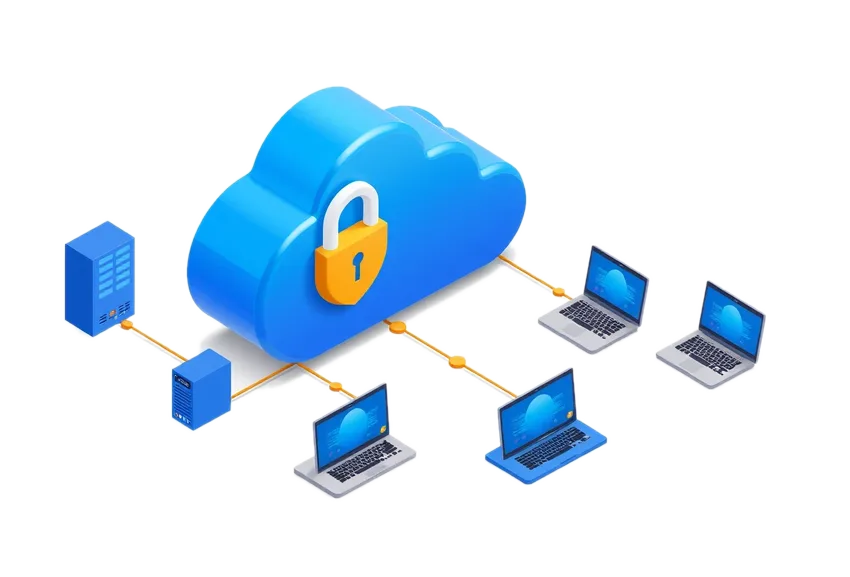
Your business data is only useful if it is safe and available. Alongside cybersecurity, North IT Systems designs and supports data warehousing with security built in: controlled access for each user, encryption and backups.
Because the same team looks after your IT support and managed IT, security is part of everyday maintenance rather than a one-time project.
Questions
Cybersecurity: common questions
What does a cybersecurity assessment include?
We review your computers, servers, network equipment, user accounts and permissions, email settings and backups. You receive a plain-language report of the risks we found and the order in which we suggest fixing them.
Is a small business really a target for cyber attacks?
Yes. Many attacks are automated and look for any weak password or unpatched computer, whatever the size of the business. Smaller businesses can be attractive targets because they often have fewer protections in place.
What is multi-factor authentication?
Multi-factor authentication asks for a second proof of identity, such as a code on your phone, in addition to your password. Even if a password is stolen, the account stays much harder to break into.
How do backups help with ransomware?
Ransomware locks your files until a payment is made. With regular, tested backups kept separate from your main systems, you can restore your data instead of depending on the attacker.
What should we do if we think we have been hacked?
Disconnect the affected computer from the network, do not reply to the attacker or pay a ransom, change important passwords from a different device and call us at (647) 946 7559 during business hours. Acting quickly limits the damage.
Can you work with our existing IT person?
Yes. We can take on cybersecurity work alongside the person who already looks after IT in your office, or manage it fully as part of our managed IT services.
How do I get started?
Call (647) 946 7559, Monday to Friday, 9AM to 5PM, or reach us through the contact page to arrange a free consultation.